
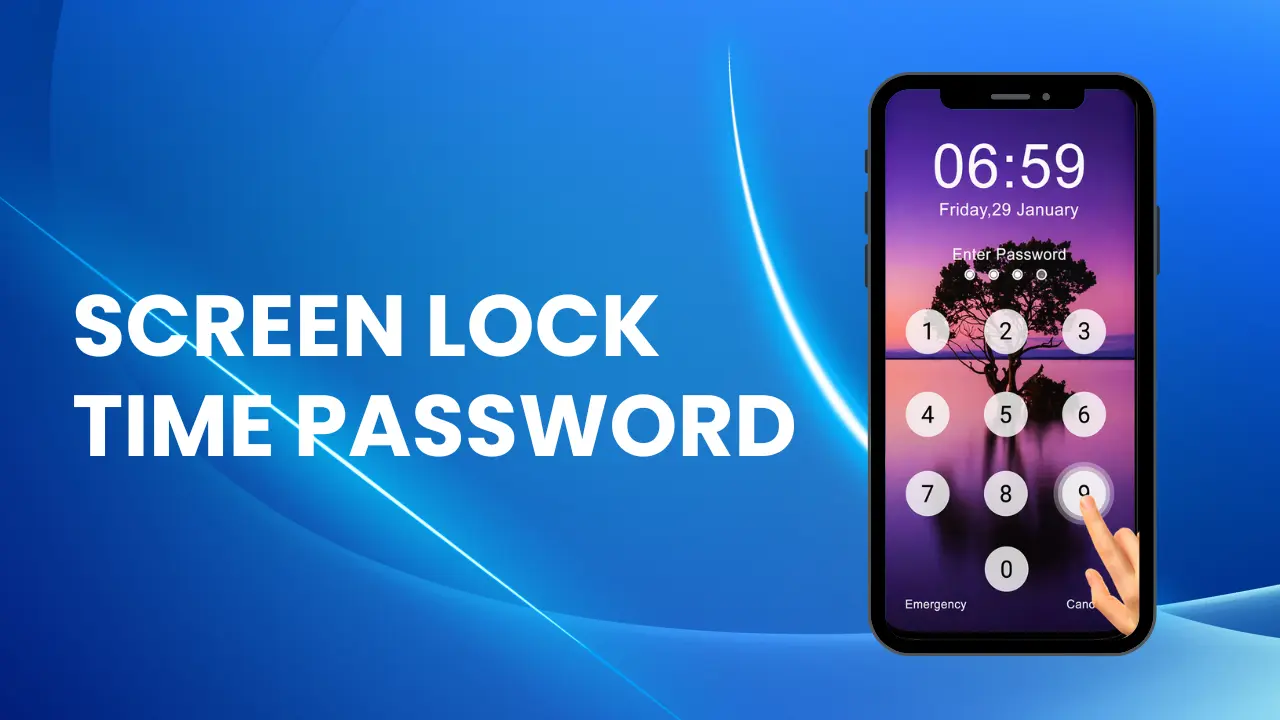
In today’s world, our phones hold a lot – photos, chats, bank apps, work files. So securing your phone matters. If you’re looking for something simple yet clever, the Screen Lock – Time Password app for Android might be just what you need.
What is the app?
Screen Lock – Time Password is a lock-screen app developed by Adria Devs. It uses your current time as the unlock password by default.
For example, if it’s 03:27 pm (in 24-hour or 12-hour format), your passcode could be 1527 or 0327 depending on the format. The password changes every minute because the time keeps changing.
Why this is smart?
- Dynamic password: Because the password keeps changing every minute, someone watching you type in a PIN gets no advantage – even if they saw it once.
- Easy to remember: You don’t have to recall a long, random number. The password is simply the current time (or a variation of it).
- Extra options: If you like, you can set your own PIN plus the time, or PIN plus date, etc. For example: your PIN 45 + time 02:37 → 450237.
- Customizable lock screen: You can change the wallpaper, enable/disable sound/vibration, choose 12-hour or 24-hour format.
How to get started
- Install Screen Lock – Time Password from the Google Play Store.
- Grant necessary permissions (lock screen overlay, auto-start on some phones). Note: On some brands (like Xiaomi/MI), you’ll need to allow additional permissions for it to work properly.
- Choose your lock type: time only, pin + time, pin + date, etc.
- Customize the look: wallpaper, sounds, vibration settings.
- Use your phone with the new lock screen. The password will always update based on the current time or format you chose.
Good to know
- Make sure you remember your chosen setup. If the app is removed or you clear its data, you may lose access. The developer warns: “Do not uninstall this app before restoring your personal files otherwise it will be lost forever.”
- Because it overlays your lock screen, on some devices you may need to adjust permissions.
- Some users mention that ads appear in the free version and customization may be limited unless you upgrade.
Who is this app for?
If you want a fresh approach to locking your phone – something less predictable than a static 4-digit PIN or pattern – this app is a fun, secure option. Students, casual users, or anyone who wants an extra layer of protection without too much hassle will like it.
If you manage sensitive data or want enterprise-level control, you might still want a full security suite, but for everyday use this works well.
Conclusion
In short: Screen Lock – Time Password gives you a time-based dynamic password that changes every minute. It’s easy, clever, and adds a fresh twist to securing your Android phone.
If you’re looking for a lock-screen that’s simple yet powerful and different from the usual PIN/pattern combo – this might be your pick. Give it a try and see how the time becomes your unlock key.