
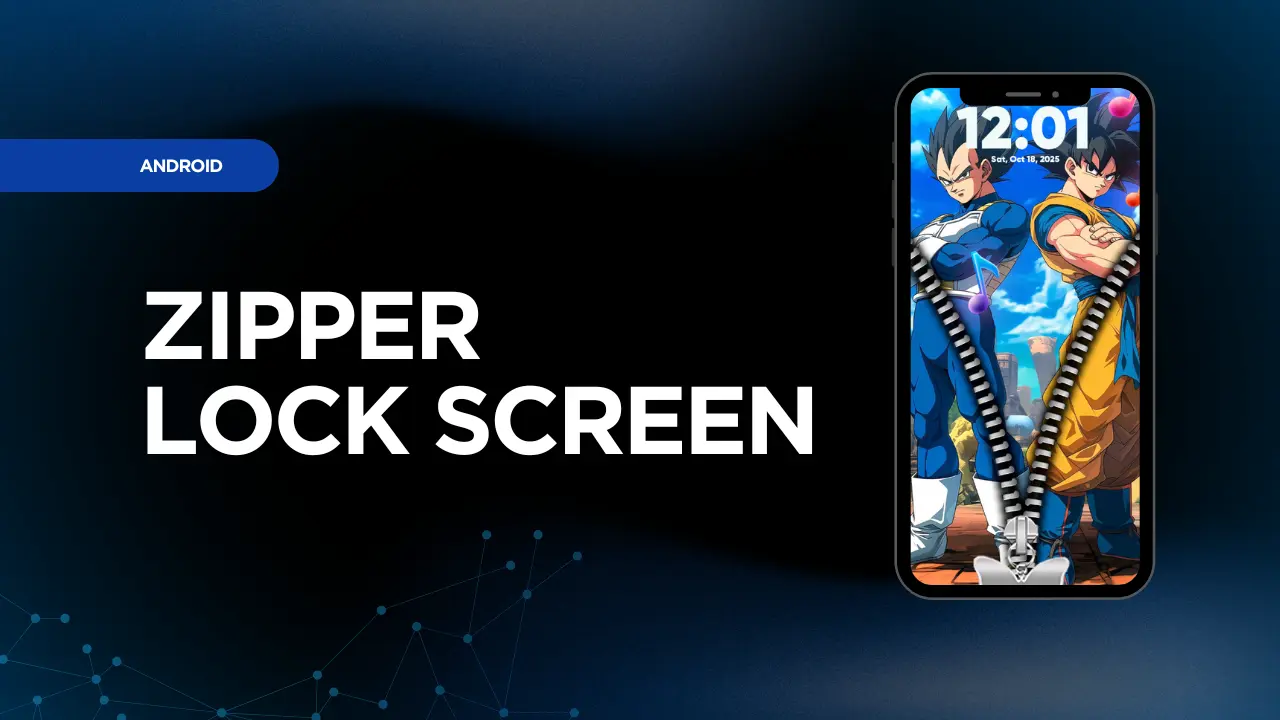
Zipper Lock Screen & Wallpaper is an Android app that turns your phone’s standard lock screen into a fun, stylish, and interactive experience.
According to its listing on Google Play, the app provides a realistic zipper-unlock effect, loads of live wallpapers, and customizable zipper styles, colors and animation. With millions of downloads and thousands of reviews, it aims to give your phone a fresh, personalized look while providing the usual lock-screen protection.
Benefits of Using Zipper Lock Screen
1. Stylish and interactive unlock experience
Instead of the usual swipe or PIN only, this app lets you “unzip” your screen with a zipper animation. That novelty adds a playful twist each time you unlock your phone.
2. Customisable wallpaper & theme options
You get access to HD wallpapers and live (moving) wallpapers in categories like animals, sports, abstract art, cartoons, and so on. You can also change zipper tab styles (stars, hearts, lightning bolts etc.) to better match your style.
3. Adds personality to your device
By customizing both the wallpaper + unlock animation, you make your phone more “you” — it stands out from the generic default lock screen.
4. Secure & fun
While it may not replace high-security lock features (PIN, pattern, fingerprint), the app still offers a lock screen replacement that is visually appealing and provides the standard “screen lock” functionality.
5. Easy to use
The app claims simple steps: install, choose wallpapers & styles, preview, and apply.
How to Use Zipper Lock Screen
Here’s a basic step-by-step guide:
- Download & install the app from Google Play (search for Zipper Lock Screen & Wallpaper).
- Open the app, and grant it the necessary permissions (for lock screen overlay, wallpaper access, etc.).
- Choose your wallpaper or live wallpaper: Browse the categories (animals, cartoons, sports, abstract) and pick one you like.
- Select zipper style / animation: In the settings, choose the zipper tab shape (star, heart, lightning) and any animation or sound effect you prefer.
- Preview your lock screen: Most likely the app will let you see how your phone will look before applying.
- Apply and activate: Set the new wallpaper and lock-screen effect. Make sure it’s active and that you test unlocking to confirm it works properly.
- Optional tweaks: You may adjust settings again (such as zipper sound effects, wallpaper refresh, or disable unwanted animations) depending on your preference.
- Enjoy your new look every time you unlock your phone.
Things to Keep in Mind
- The app is free to download but contains ads and in-app purchases.
- Because it’s a lock screen replacement, it might require certain permissions or may conflict with other launcher/lock-screen apps.
- If your device has aggressive battery-optimization settings, live wallpapers or animations may behave unpredictably or stop working properly.
- Always check the privacy data collection; this app lists that it may collect data like photos/videos and location in some cases.
In summary, Zipper Lock Screen & Wallpaper is a fun and creative way to give your Android device a personalized, interactive lock screen.
With its zipper-unlock effect, wide array of wallpapers and styling options, it is ideal for users who want to make their phone look unique while still having basic lock‐screen functionality. If you’re tired of the default lock screen and want something fresh and playful, this app is worth a try.