
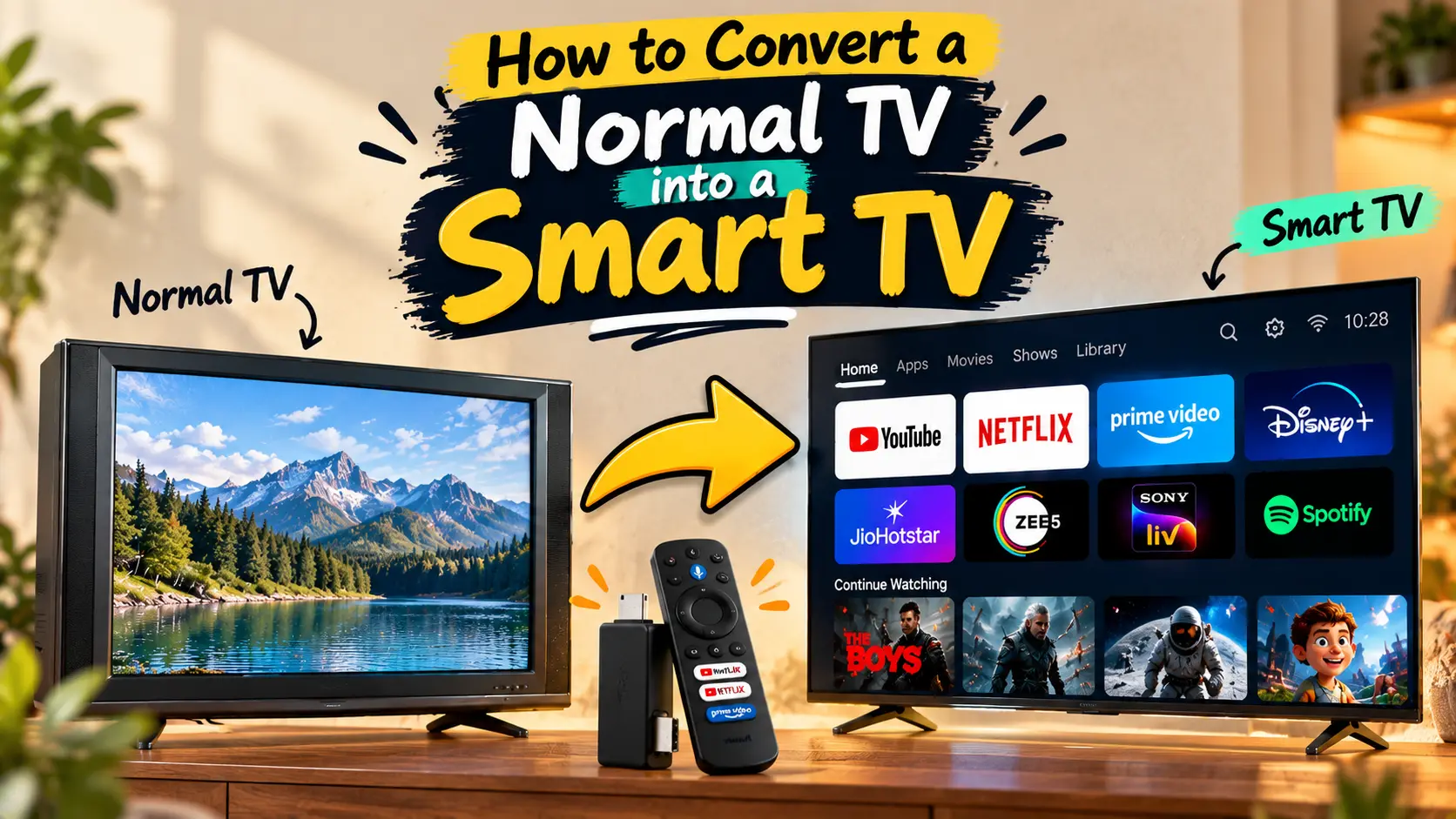
Do you have an old TV that still works perfectly but lacks smart features? The good news is that you don’t need to buy a new television to enjoy streaming apps, YouTube, and online content. With a few affordable devices, you can easily convert a normal TV into a smart TV.
In this guide, we’ll explain different ways to turn your regular TV into a smart TV and help you choose the best option for your needs.
What Is a Smart TV?
A smart TV can connect to the internet and run apps such as YouTube, Netflix, Prime Video, Disney+, Spotify, and many others. It also allows you to browse the web, cast content from your phone, and access online services directly on your television.
If your TV has an HDMI port, converting it into a smart TV is usually very easy.
Method 1: Use a Streaming Device
The simplest and most popular way to convert a normal TV into a smart TV is by using a streaming device.
Popular options include:
- Google TV Streamer or Chromecast with Google TV
- Amazon Fire TV Stick
- Roku Streaming Stick
- Xiaomi TV Stick
How to Set It Up
- Plug the streaming device into your TV’s HDMI port.
- Connect the device to a power source.
- Turn on the TV and select the correct HDMI input.
- Connect the device to your Wi-Fi network.
- Sign in to your streaming accounts.
Once the setup is complete, you can install apps and start streaming content just like on a smart TV.
Method 2: Connect a Laptop or PC
If you already own a laptop or desktop computer, you can use it to access smart TV features.
Steps
- Connect the computer to the TV using an HDMI cable.
- Select the correct HDMI input on the TV.
- Use the TV as a larger display.
You can then watch YouTube, Netflix, browse websites, attend video calls, or stream any online content directly from your computer.
This method is useful if you do not want to purchase additional devices.
Method 3: Use an Android TV Box
An Android TV Box is another excellent option for upgrading an older TV.
These devices run Android TV or Google TV and offer access to thousands of apps.
Benefits of Android TV Boxes
- Access to Google Play Store
- Voice search support
- App installation
- Streaming services
- Screen casting from Android devices
Simply connect the TV box to your television through HDMI, complete the setup process, and start using smart features.
Method 4: Use a Gaming Console
Many gaming consoles can also function as smart entertainment devices.
Examples include:
- PlayStation 5
- PlayStation 4
- Xbox Series X
- Xbox Series S
- Xbox One
These consoles support popular streaming apps and internet connectivity.
If you already own one, you may not need any additional hardware.
Method 5: Screen Mirror from Your Smartphone
Another simple option is screen mirroring.
Many Android phones and iPhones support wireless casting.
How It Works
- Connect your TV and smartphone to the same Wi-Fi network.
- Use a casting device such as Chromecast or a compatible smart adapter.
- Open the Cast or Screen Mirroring option on your phone.
- Select your TV.
Your phone’s screen will appear on the television, allowing you to watch videos, photos, and presentations on a larger display.
Things to Check Before Buying a Device
Before purchasing any smart TV accessory, check the following:
1) HDMI Port Availability
Most streaming devices require an HDMI port. Verify that your TV has at least one available HDMI input.
2) Internet Connection
A stable Wi-Fi connection is important for smooth streaming and app usage.
3) Supported Apps
Make sure the device supports the streaming services you use most often.
Remote Control Features
Some devices include voice control, shortcut buttons, and smart assistants that improve the viewing experience.
Advantages of Converting a Normal TV into a Smart TV
There are several benefits to upgrading your existing television:
- Costs much less than buying a new smart TV
- Access to streaming services and apps
- Supports online videos and music
- Allows screen mirroring from phones
- Extends the life of your current television
For most users, a streaming stick or Android TV box provides everything needed at a relatively low cost.
Final Thoughts
Converting a normal TV into a smart TV is easier than ever. Devices such as Fire TV Stick, Chromecast, Google TV Streamer, Roku, and Android TV boxes can add modern features to almost any television with an HDMI port.
If you’re looking for the easiest solution, a streaming stick is usually the best choice. It offers access to popular apps, internet connectivity, and smart features without the cost of buying a brand-new TV.